
Creating event tickets comes down to two things: figuring out what info to include and picking the right tool for the job.
Get the basics right—event name, date, time, and location. Then find a simple platform that won’t sting you with surprise fees. This works whether you’re planning a workshop for five people or a festival for 5,000.
Your Simple Ticketing Game Plan
Let's be honest. Figuring out how to create event tickets can feel like a chore. It’s just one more thing on a to-do list that’s already way too long.
But it doesn't have to be complicated.
Your ticket is the first real piece of your event an attendee owns. It sets the tone and builds anticipation. Most importantly, it’s a communication tool. Nail the details now and you'll save yourself from a flood of confused emails later.
Nailing the Ticket Essentials
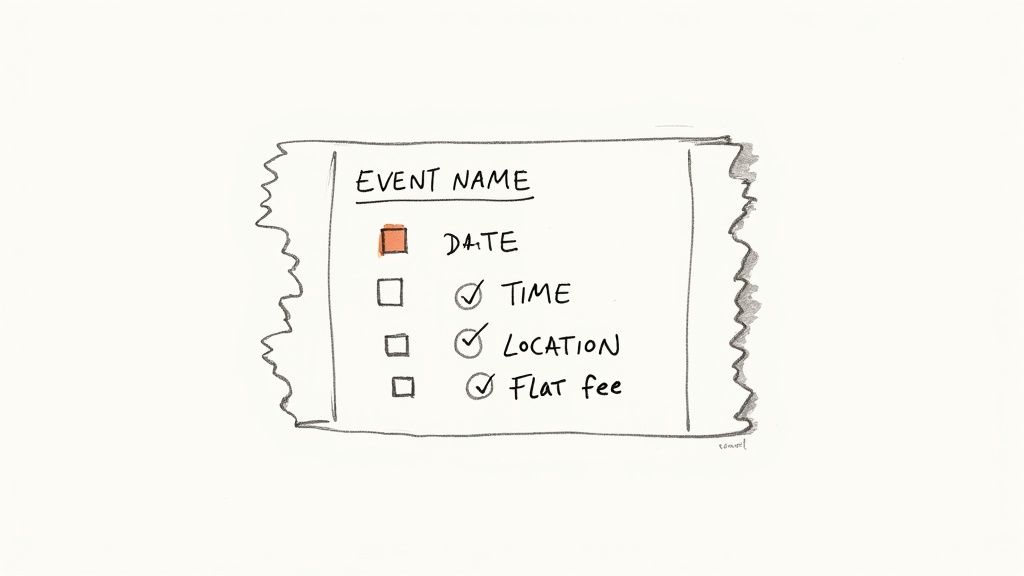
Before you touch a design template or think about QR codes, your ticket needs to answer the basics. Let’s make this simple. Every ticket must have:
Event Name: Make it clear and bold. No one should have to guess what they bought.
Date and Time: Be specific. Include the day of the week, like Saturday, June 8, 2025, from 7:00 PM to 10:00 PM.
Location: The full street address and venue name are non-negotiable. For an online event, provide a clear link or instructions on how to join.
Price: Even for a free event, showing $0.00 confirms the ticket has value and wasn't a mistake.
Getting these fundamentals right builds trust. It signals to your attendees that you’re organized. That small detail makes a huge difference.
Your goal is to eliminate any friction between someone hearing about your event and hitting the "buy" button. Confusion is the enemy of sales.
Choosing the Right Tool for the Job
The right tool should feel like a helpful partner, not some necessary evil skimming your hard-earned cash. Many platforms lure you in with a "free" setup, only to snatch a percentage of every ticket sold. As you sell more, they just take more.
Look for a platform with flat-fee pricing. You pay a predictable, small amount per ticket. That’s it. You keep the rest. This approach is built for real people pouring their hearts into events.
The online event ticketing market is growing fast. It's projected to jump from $53.43 billion in 2025 to over $69.25 billion by 2029. Choosing a user-friendly tool helps you compete without giving away your profits. If you're curious, you can explore more data on online ticketing trends and see how the market is shifting.
Your energy is better spent creating an amazing experience, not decoding a complex fee structure. A simple platform lets you get a sales page live in minutes, with your own branding, so you can get back to what matters.
Designing Tickets People Want To Keep
Your ticket is the first real piece of your event someone holds. It’s more than proof of purchase. It's the promise of the experience you’re about to deliver.
Let's make sure it looks like it's worth the price.
And no, you don't need to become a graphic designer overnight. The goal is to create something clean, professional, and on-brand.
A good design does more than just look nice. It builds anticipation and makes your operation feel legitimate. It tells attendees you care about the details. That’s the impression you want to make.
First Impressions And The 'Keepability' Factor
Think about the last concert ticket stub you tucked away. Why’d you keep it? Probably because it looked cool and brings back a great memory. That's what we're aiming for.
A great ticket design is intentional, not complicated. Hosting a rustic, farm-to-table dinner? Use earthy tones and a classic serif font. Putting on a high-energy fitness workshop? Go for bold colors and clean, modern lines.
The design should echo the experience. That alignment transforms a simple entry pass into a souvenir.
A well-designed ticket is a silent ambassador for your event. It should clearly communicate the essentials while subtly conveying the personality of the experience.
When pulling your design together, focus on a few key elements to make your ticket both functional and memorable.
Your Logo: Give it a prominent spot, but don't let it overpower the info. Top-center or top-left is usually a safe bet.
Color Palette: Stick to two or three core colors that match your event's branding. Consistency is key.
Typography: Choose two fonts at most. One for headings and one for details. Readability always trumps fanciness.
These small decisions make a massive difference. The good news? You don't have to start from scratch. Using a solid template for an event ticket can handle the heavy lifting on layout, letting you focus on the creative touches that make it yours.
Clarity Above All Else
Okay, let's get to the most critical part of design: making it dead simple to read. A gorgeous ticket no one can understand is useless. Function first.
Your attendee needs to glance at their ticket and instantly know the what, when, and where. Don't make them squint. Use a clear visual hierarchy. The most important information should be the biggest and boldest.
The QR code or barcode is another non-negotiable. It has to be scannable. Don't shrink it to a tiny square in the corner or place it over a busy background. Give it some breathing room. A QR code that won’t scan is a surefire way to create a frustrating bottleneck at check-in.
Finally, think about any other terms you need to include. Refund policy? Parking instructions? Keep this text small but legible, tucked away at the bottom. Cover your bases without cluttering the main design.
Pricing Your Tickets Without Guesswork
Figuring out what to charge can feel like throwing a dart in a dark room. It's stressful. But pricing isn't some dark art. It's a straightforward process any creator can master.
Let’s skip the complex theories. You need a price that covers your costs, feels fair, and leaves you with a profit for all your hard work.
Finding Your Break-Even Number
Before you think about profit, you need to know your break-even point. This is the number where you're not making money, but you're not losing it either. It's your financial safety net.
Get brutally honest about your expenses. Open a spreadsheet and list everything you're spending money on.
Venue Rental: The cost to secure your space.
Speaker or Performer Fees: What you're paying your talent.
Marketing and Promotion: Any ad spend, flyer printing, or social media boosts.
Supplies and Materials: From name tags to workshop handouts.
Food and Beverage: Even if it’s just coffee and pastries, it adds up.
Staffing: Paying helpers for setup, check-in, or cleanup.
Once you have your total costs, set a realistic attendance goal. If your pottery workshop holds 15 people, that’s your number. If your venue fits 200, maybe aim for 150 ticket sales to play it safe.
Now, just divide your total expenses by your expected number of attendees. That’s your break-even price per ticket. Selling below this price means you’re literally paying for someone to attend.
Let's See It In Action
Say your pop-up dinner costs $1,500 to produce (ingredients, venue, one helper). You can seat 30 guests.$1,500 / 30 attendees = $50 per ticket.
Now you know that anything you charge above $50 is profit. That clarity is power.
Smart Pricing Strategies to Boost Sales
Once you know your baseline, you can get creative. Pricing isn't just about covering costs. It’s a powerful tool to build excitement and drive sales.
The global events industry is booming, projected to hit $2.5 trillion by 2035. Smart pricing is a massive part of that growth. Modern platforms even use data to optimize prices, which helped the top tours gross $9.5 billion in 2024. The same principles apply to your event.
Here are a few simple strategies that work.
Simple Ticket Pricing Models
Here's a quick look at common pricing strategies and when to use them for your event.
| Pricing Model | Best For | Quick Tip |
|---|---|---|
| Early-Bird | Building early momentum and covering upfront costs. | Make the discount significant enough to create urgency—at least 15-20% off the final price. |
| Tiered Pricing | Events with different experiences (e.g., VIP, General Admission). | Clearly define what each tier includes so buyers see the value in upgrading. |
| Group Bundles | Social events where attendees come with friends (concerts, workshops). | An offer like "Buy 4, Get 1 Free" can easily turn one ticket sale into five. |
These models are your starting point for moving beyond a single, flat ticket price.
Early-Bird Discounts
This is the oldest trick in the book because it works. Offering a lower price for a limited time creates urgency. It also rewards your most eager fans and helps you secure early capital to cover upfront costs.
Wondering how to structure your offer? We broke down the numbers on whether presale tickets are more expensive to help you decide on the perfect discount.
Tiered Ticketing
Why offer just one price when you can offer several? Tiered tickets let you provide different levels of value.
General Admission: The standard ticket that gets you in the door.
VIP Access: Offers something extra, like a front-row seat, a free drink, or a meet-and-greet.
Group Bundles: Encourage friends to come together with a "Buy 4, Get 1 Free" type of deal.
This approach lets attendees choose the experience that fits their budget. It's a win-win.
Finally, don't forget platform fees. Factor in the ticketing platform pricing structures, as these can take a real bite out of your bottom line. Look for a tool that offers a simple, flat fee so you're not surprised later. Your price should reflect the value you’re providing, not just cover everyone else’s cut.
Setting Up Your Online Ticket Sales Page
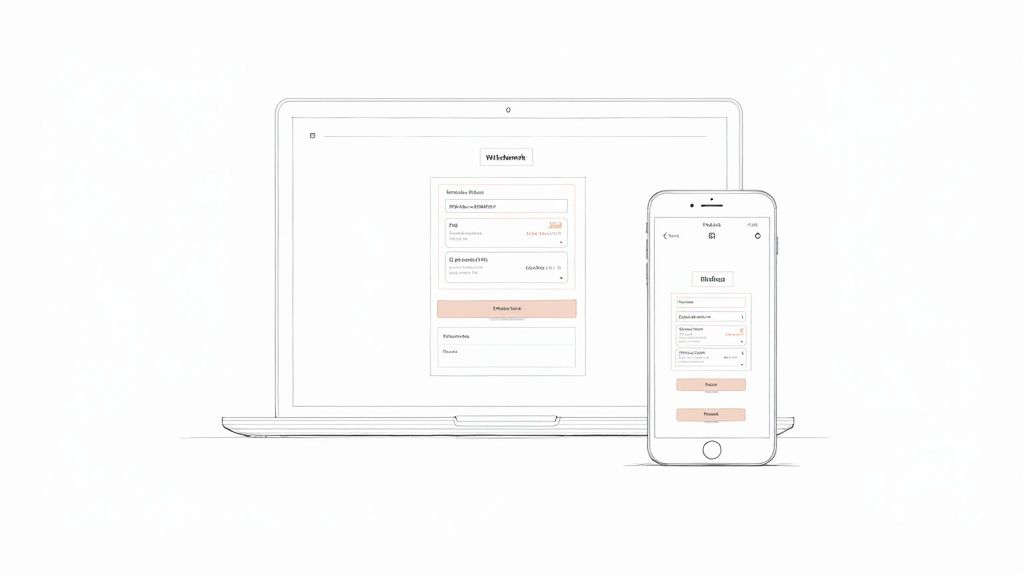
You’ve designed a killer ticket and nailed your pricing. Now it’s time to give people a place to actually buy it. Many organizers get tripped up here, thinking they need to hire a developer or wrestle with clunky software.
Forget that. You can get your sales page live in minutes, no code needed.
The whole point is to make buying a ticket ridiculously easy. Your energy belongs in planning the event, not fighting with a checkout process. We're going to build a page that’s clean, works on any device, and gets you paid without a headache.
Writing a Description That Sells
Think of your event page as your digital storefront. Don't overthink it. Just talk to your ideal attendee like you're convincing a friend to come hang out.
Start with a punchy headline. Then, use the first few sentences to hook them with the most exciting part. Is it the keynote speaker? The one-of-a-kind venue? The skill they'll walk away with? Lead with your best stuff.
The best event descriptions are evocative. They help a potential attendee imagine themselves at your event, having an amazing time. Sell the experience, not just the ticket.
Keep your paragraphs short and easy to scan. Use bullet points to break down the schedule or what's included in the price. And don't forget practical info—parking, what to bring, and accessibility notes. A clear description turns a "maybe" into a "heck yes."
Make It Look Like Yours
Your sales page shouldn't scream "generic ticketing company." It should scream "you." Custom branding is one of the fastest ways to build trust and make your event feel professional.
This is simpler than it sounds. Most modern platforms let you:
Upload your logo: This is non-negotiable. Put it at the top of the page.
Use your brand colors: Ditch the default blue and gray. A splash of your color palette makes the page instantly recognizable.
Choose a clean font: Stick with something simple and readable that matches your ticket design.
You don’t need a design degree for this. You just need a tool that lets you make these basic tweaks without touching a line of code. It’s all about creating a seamless experience. For a deeper look, our guide on online ticketing for events covers essential features.
Connecting Your Payouts
Okay, let's talk about the best part: getting paid. A slow or confusing payout process is a huge red flag. You shouldn't have to wait weeks to see your money.
Look for a platform with fast, secure payouts straight to your bank account. The setup should be straightforward, usually involving connecting a service like Stripe. It’s a one-time thing that takes about five minutes.
This is also where transparent pricing matters. You want a platform that charges a simple, flat fee per ticket. No hidden percentage skims. No surprise "service fees" passed on to your buyers. You did the work. You should keep the money.
How To Actually Sell Your Tickets
Making a ticket is one thing. Getting people to buy it is another. Let's skip the generic "post on social media" advice. That’s not a strategy. It's just noise.
Selling tickets is about reaching the right people with a clear message and an even clearer path to purchase. It’s about being thoughtful, not just loud.
Your Warmest Audience Comes First
Before you run an ad, start with the people who already know and trust you. Your personal network and existing email list are your most powerful sales tools. Period.
Don't overthink this. Draft a simple, personal email. Tell your contacts what you're up to, why you're excited, and include a direct link to buy tickets. No marketing fluff, just a genuine invitation.
This isn’t about spamming your address book. It’s about a warm outreach to people who are likely to support you and spread the word.
Selling that first handful of tickets to friends and past attendees creates social proof. When strangers visit your page and see that tickets are already selling, it signals that your event is worth their time and money.
Make the Path to 'Buy' Ridiculously Simple
Every click you force a potential buyer to make is another chance for them to leave. Your job is to remove every possible point of friction.
Create one simple, clean link that goes directly to your ticket sales page. This link should be easy to remember and share. Put it everywhere: your email signature, your social media bios, your website.
Bad: A link to your homepage where they have to hunt for the "Events" tab.
Good: A direct link like
yourbrand.com/workshopthat drops them right onto the checkout page.
The entire journey, from first hearing about your event to clicking ‘buy,’ should feel effortless.
Smart Promotion That Doesn't Cost a Fortune
Once you've tapped your inner circle, it's time to reach a wider audience without breaking the bank. Focus on targeted, authentic promotion.
Partner with a local creator, business, or community group whose audience overlaps with yours. Hosting a sourdough workshop? Team up with a local coffee shop for a cross-promotion. They tell their customers about your class, you tell your attendees about their coffee.
This approach is about borrowing trust. It introduces your event to a new, relevant audience through a source they already like. It’s far more effective than just another ad in their feed.
The event industry is seeing massive growth, with eight in 10 eventgoers planning to attend as many or more events this year. To capture that enthusiasm, you need a smart plan. If you want more ideas, explore these proven strategies to boost your event turnout. For more background, you can read the full research about event industry trends.
Your sales strategy just needs to be intentional. Make it personal, make it easy, and make it a win-win for everyone involved.
Managing Tickets On Event Day
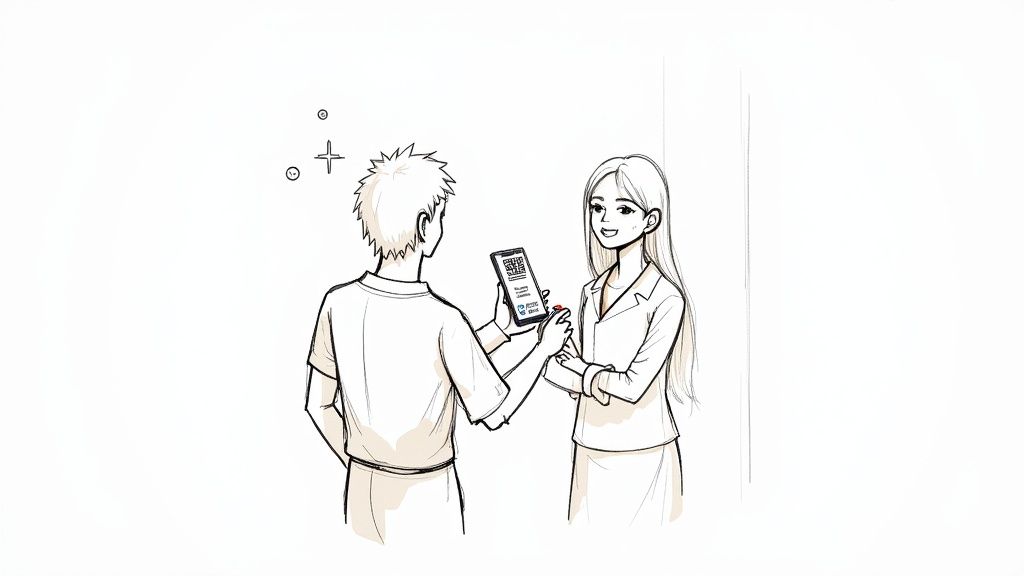
The big day is here. The only thing left is getting everyone in the door. That first moment—the check-in—is your event’s first real impression. A smooth entry sets a positive tone for everything else.
A bottleneck at the door tells everyone you're disorganized. It creates stress before things have even started. Let’s make sure your check-in is quick, friendly, and ready for hiccups.
Your Check-In Toolkit: Simple vs. High-Tech
Your check-in method needs to match the scale of your event. You don’t need a complex system for a ten-person workshop. But a paper list won’t cut it when a few hundred people are waiting.
The Classic Guest List: For small, intimate gatherings, a printed list is perfect. Cross names off with a pen. It’s low-tech and reliable.
QR Code Scanning: For anything larger, scanning QR codes is the way to go. It’s lightning-fast, accurate, and instantly flags duplicate tickets. A good ticketing platform provides a simple app that turns a smartphone into a scanner.
For most events, QR codes hit the sweet spot. They’re professional, efficient, and easy to manage.
The goal is to make every attendee feel welcomed, not just processed. A warm smile and a quick scan feel a world away from a long line and a flustered volunteer fumbling with a clipboard.
Handling The Inevitable Hiccups
No matter how airtight your plan is, things will go wrong. Someone’s phone will die. Another will swear they bought a ticket but can’t find the confirmation email. Someone else will show up saying, "I'm on the list under 'Steve,' but my ticket says 'Stephen.'"
Don’t panic. Have a plan.
A good check-in app will let you search for attendees by name or email, which solves most of these problems. For everything else, designate one person to handle exceptions. This keeps the main line moving and gives the person with the issue focused attention.
Training a Volunteer In Five Minutes Flat
You can’t be chained to the door for the whole event. You need to empower a volunteer. Luckily, you can get them up to speed in under five minutes.
Here’s a quick script:
"Hey, thanks for helping! Your job is to scan the QR code on each person's phone or printout using this app."
"If the scan works, you'll see a green checkmark. Just smile and say, 'Welcome, enjoy the event!'"
"If you see a red 'X,' the ticket is invalid or used. Politely ask them to step aside and I'll come over."
"If someone can't find their ticket, you can search their name right here. If you find them, just tap 'Check-In' manually."
That's it. You’ve given them clear instructions and a way to escalate problems. Now you can get back to being a host.
Got Questions? We’ve Got Answers.
When it comes to creating event tickets, a few questions always pop up. Let's get right to them.
Do I Really Need a Barcode or QR Code on My Tickets?
Unless you’re hosting a handful of friends in your living room, yes. Trying to check in 50 people with a printed spreadsheet is a special kind of nightmare.
QR codes make check-in smooth. They're fast, slash human error, and are your best defense against fakes. A quick scan from a smartphone app feels professional and gets people through the door without a fuss.
What's the Best Format for Digital Tickets?
Stick with the classic: PDF. It's the king for a reason.
PDFs are universal. They work on any device and preserve your design. Attendees can save it to their phone or print it out. While some platforms push their own wallet passes, a simple PDF in the confirmation email is the most reliable option. Don't make attendees download another app just to get in.
Your goal is a frictionless experience. An easily accessible PDF is the simplest path from their inbox to your door.
Can I Sell Tickets Directly From My Website?
Absolutely, and you should. Selling from your own site keeps your brand front and center. You don't want to send your followers to a third-party marketplace plastered with ads for competing events.
The best tools let you embed a checkout widget right on your site, usually by copying and pasting a bit of code. This gives you a sales experience that feels native to your brand, powered by a secure system that handles payments and ticket delivery.
What if I Need to Cancel or Postpone My Event?
It happens. The most important thing is communicating clearly and quickly with your attendees.
Your ticketing platform should make it simple to email everyone at once. For refunds, look for a tool that lets you process them in bulk or individually with a few clicks. You do not want to be stuck manually sending dozens of payments. A platform with straightforward refund tools can turn a potential disaster into a manageable situation.