
You've planned a fantastic event. You've built a great website to promote it. Now, how do you actually sell tickets?
The idea is simple. You grab a bit of code from a ticketing platform, paste it onto your site, and bam—customers can buy tickets without ever leaving your page. The money goes right into your account. The whole setup takes minutes. No coding required.
Why Sending Customers Away Kills Your Sales
It’s a classic mistake, and a costly one. You pour time and energy into planning the perfect workshop, pop-up dinner, or festival. You get a beautiful website up, write copy that sings, and get people genuinely excited.
Then, right at the finish line—the moment they pull out a credit card—you send them somewhere else.
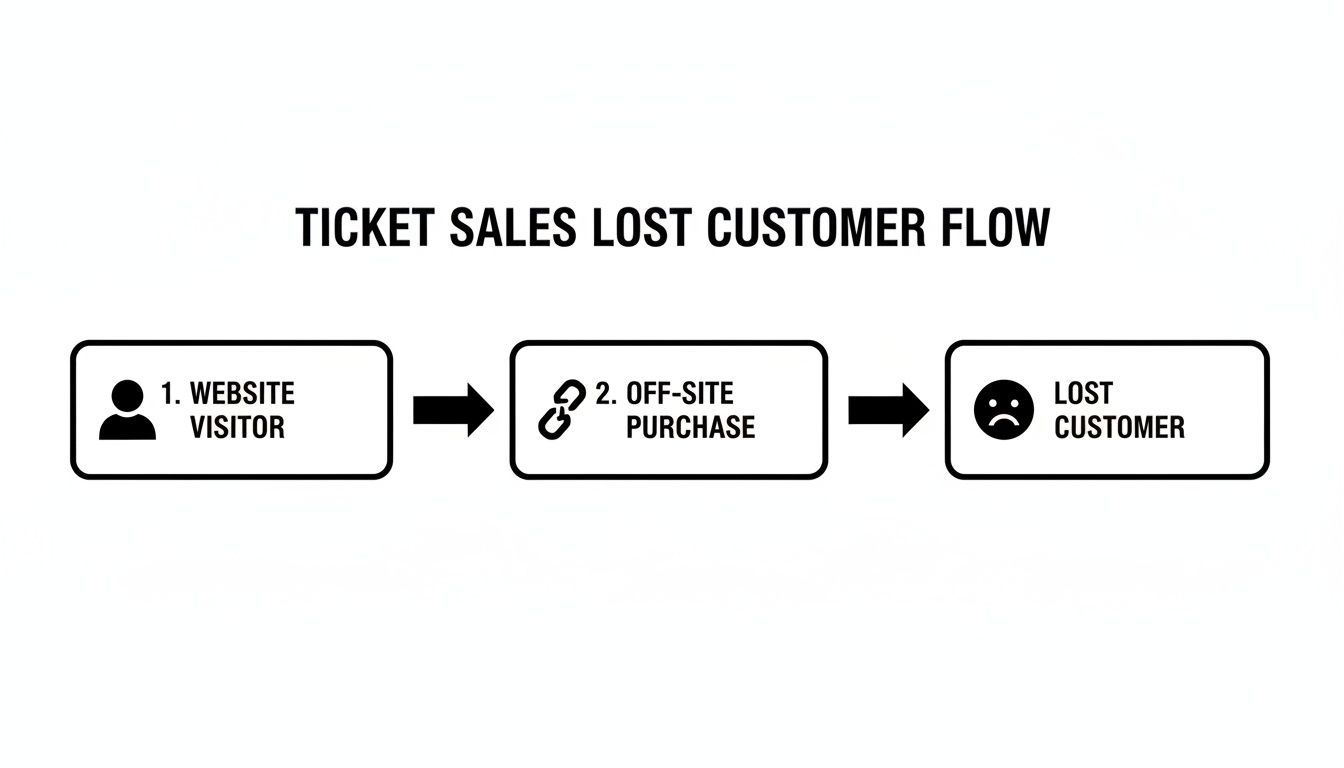
That "Buy Tickets" button whisks them off to a generic, third-party marketplace. Suddenly, they're on a page that doesn't look like your brand, surrounded by ads for other people's events. This detour creates friction. You'd be surprised how many potential buyers just give up and close the tab.
The Real Cost of Off-Site Ticketing
Pushing people to another website does more than create a clunky experience. It directly hits your wallet.
- You're losing sales. Every extra click is another chance for someone to get distracted. One of the best ways to improve website conversion rates is to make the path from "I'm interested" to "I've paid" as short as possible.
- You're weakening your brand. Your event is unique. Forcing your checkout into a one-size-fits-all template makes it feel less special. Keeping the whole process on your site maintains a consistent, professional brand experience.
- You're giving up revenue. Most big platforms take a hefty percentage of every ticket sold. They often hide this on top of standard payment processing fees. It's worth looking at alternatives to large ticketing marketplaces that put more of the money in your pocket.
The goal is simple: make buying a ticket as easy as possible. When you embed the checkout on your site, you control the entire journey.
The online event ticketing market is expected to hit $42.67 billion in 2025. People are comfortable buying online, but their expectations are higher than ever. A direct, on-site checkout is a powerful tool for building trust and ensuring your event is a sell-out success.
How to Add a Ticketing Widget to Your Website
Alright, let’s get your tickets live on your site. The process to embed ticket sales on your website is surprisingly simple. You don't need to be a developer.
Forget wrestling with complex dashboards. You’re just copying a line of code and pasting it where you want your ticket form to appear.
Most modern ticketing platforms make this painless. First, you create your event inside the tool. This is usually just filling out a form with the basics: event title, date, location, ticket price, and a description. Once you save it, the system generates a unique snippet of code just for that event.
That little snippet is your golden ticket to selling directly from your own turf.
Finding and Pasting Your Embed Code
After you set up your event, look for a "Share" or "Embed" button. Clicking this pops up a small block of code, often starting with <script> or <iframe>. This is the magic piece you need to copy.
You don't have to understand what the code does. Just highlight all of it and copy it.
Now, head over to your website's editor. Where you paste this code depends on your website platform, but they all have an easy-to-find spot for this.
For WordPress Users
If your site is on WordPress, you'll want to add a Custom HTML block to the page.
Just click the little plus sign to add a new block. Search for "HTML." Paste your code snippet directly into the box that appears.
Once you hit "Preview," you should see your ticket form pop up. This method gives you total control over placement. You can drop your sales form right below your event description or wherever it makes sense.
For Squarespace, Wix, and Others
The process is nearly identical on other popular website builders.
- Squarespace: You'll use a Code Block. Add one to your page, paste your embed code into it, and you're good to go.
- Wix: Look for the option to add an HTML iframe or use their embed widget. Paste your code there.
- Custom HTML Sites: If you built your site from scratch, you already know what to do. Paste the code into the
<body>of your HTML file.
The flowchart above shows the old, clunky journey we're trying to fix. By embedding the widget, you eliminate that off-site detour, keeping your customer—and the sale—on your page.
If you're using WooCommerce, you can get a similar seamless feel. To add immediate purchase options, you might use a Woo Add To Cart Widget as a direct purchasing interface.
The beauty of this approach is its simplicity. You’re not just adding a link. You're integrating a core piece of your business directly into your home base. For a deeper look into what makes a platform great for this, check out our guide on the best ticketing platform for events.
Make the Widget Look Like Yours
Nothing screams "third-party tool" like a clunky, off-brand widget on your beautiful website. It can feel just as jarring as sending customers to another site. That little visual break tells your visitor, "Hey, this part isn't really us." It can be just enough to kill trust.
To truly embed ticket sales on your website, the form needs to feel like it belongs there.
Thankfully, you don't need to be a designer. A good ticketing platform gives you simple controls to tweak the look and feel. Think of it like adjusting settings in an app, not writing code.
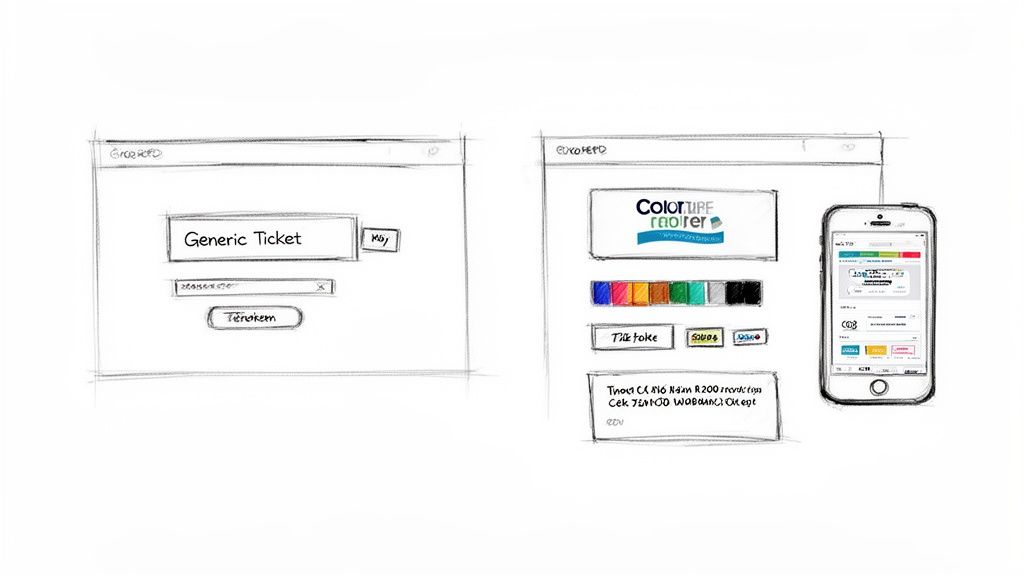
This is about maintaining the professional image you’ve worked so hard to build. The checkout process is the final handshake. You want it to be a firm one.
Quick Customization Wins
You can usually get your widget looking right in just a few clicks. The goal isn’t a pixel-perfect replica. It’s a cohesive feel that seems intentional and trustworthy.
Here are the key things to adjust:
- Colors: Match the button color to your brand's primary color. This is the single most effective change you can make.
- Fonts: If you can, choose a font that’s close to your site's font. Stick to simple web fonts like Lato or Open Sans if your exact brand font isn't an option.
- Corner Style: Do your website's buttons have sharp or rounded corners? Match them. It’s a tiny detail that makes a big difference.
A photography workshop with a minimalist site should have a sleek widget. A vibrant pop-up food festival needs a form with bold buttons. You can set this up in minutes, no code needed. The branding should look like yours.
For a deeper dive into making the experience your own, learn about the benefits of white-label event ticketing in our guide.
Mobile Responsiveness Is Not Optional
I can't stress this enough. More than half of all web traffic comes from mobile devices. If your ticket form is a nightmare to use on a phone, you’re losing sales. Period.
A good embeddable widget is mobile-responsive by default. It automatically adapts to any screen size. You don't have to do a single thing.
This ensures the purchase process is smooth for everyone. It’s a non-negotiable feature.
The online event ticketing market is projected to grow from $72.84 billion in 2024 to $107.1 billion by 2032. This is a permanent shift in how people buy tickets. For organizers running events for five or five thousand attendees, an integrated checkout is essential. You can discover more about this growth in the full market report.
Getting Paid and Tracking Sales Data
Selling tickets is the goal. Getting paid is the whole point. This is where you connect sales directly to your bank account, so your money actually shows up. Fast.
Forget waiting weeks for a payout. When you embed ticket sales on your site, you link your own Stripe or PayPal account. This means every dollar goes straight into your account, usually within a couple of days.
It's your money. You shouldn't have to wait for it. This direct connection gives you full control and cuts out the middleman.
How Pricing Models Affect Your Bottom Line
The way you’re charged for ticketing can make a huge difference. Many platforms love to skim a percentage off every ticket, often hiding it as a "service fee." This model punishes you for selling more tickets.
A much better way is a simple, flat fee per ticket.
Let's do some quick math. Say you sell a $50 ticket:
- Percentage Model (e.g., 2.5% + $0.99): You lose $1.25 + $0.99 = $2.24 per ticket.
- Flat Fee Model (e.g., $1.00): You only lose $1.00 per ticket.
Sell 200 tickets, and that's a difference of $248. That's real money you could use for marketing or just paying yourself for all the hard work. Flat fees are predictable and honest. They don't penalize your success.
The best ticketing tools let you either absorb this small fee or pass it to the buyer. Either way, the math is straightforward, and you keep more of your revenue.
This financial control is why so many organizers manage sales on their own turf. For a deeper dive, we've outlined the best ways to sell event tickets while keeping your profits.
Tracking Sales Without a PhD in Analytics
Once sales start rolling in, you need a clear way to see what's happening. You shouldn't have to navigate a labyrinth of spreadsheets to figure out how many tickets you've sold.
A good dashboard gives you the vital signs at a glance.
- Real-Time Sales: See new purchases the second they happen.
- Revenue Totals: Know exactly how much you’ve made.
- Attendee Lists: Easily view and export a list of everyone who has bought a ticket.
- Ticket Types Sold: See which tickets (like Early Bird vs. General Admission) are most popular.
This isn’t about drowning in data. It’s about having a simple view of your event's performance. It lets you make smart decisions, like extending an early-bird discount or adding more spots if a tier sells out fast.
When you embed ticket sales on your website, you get a full command center for your event. One that's built for real people pouring their hearts into their work.
Troubleshooting Common Glitches (It’s Usually Easy)
Alright, you’ve grabbed the code, pasted it, hit publish, and… nothing. Or maybe it just looks weird.
Don’t panic. This happens. The fix is usually something you can handle in a minute or two. You don’t need to be a developer to sort it out.
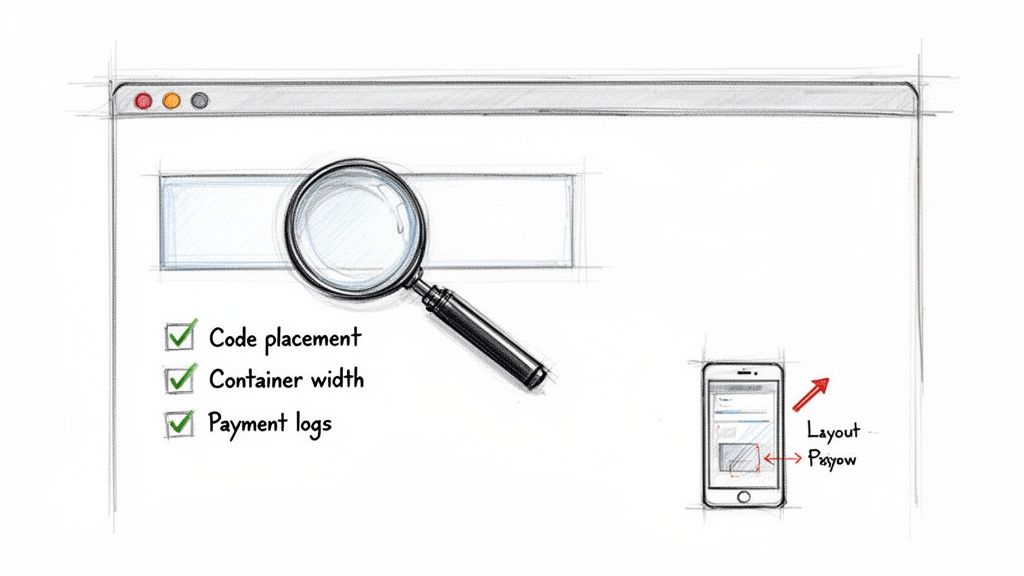
Think of yourself as a detective. Most of these mysteries boil down to two things: the code is in the wrong spot, or your website's theme is getting in the way.
These are real-world problems with simple fixes.
The Widget Isn’t Showing Up at All
This is the most frequent issue. Nine times out of ten, it’s a copy-paste mistake. Your first move is to go back to your ticketing platform and re-copy the embed code.
Seriously, make sure you get the entire snippet. It’s easy to miss that first < or the last >.
Next, double-check where you pasted it. The code needs to live inside a Custom HTML or Code block, not a standard text paragraph. If you drop it into a regular text block, your site will just show the raw code instead of running it.
- WordPress: Look for the "Custom HTML" block.
- Squarespace: You'll want the "Code Block."
- Wix: Use the "HTML iframe" element.
If you’ve confirmed all that and you’re still staring at a blank space, try clearing your website’s cache and your browser's cache. They can sometimes hold on to an old version of the page.
The Widget Looks Weird or Is Cut Off
Okay, the widget is there, but it’s squished or distorted. This is almost always a problem with the container it’s sitting in on your webpage. Your site’s theme has its own styling rules for width and height.
The easiest fix is to check the settings for the section where you placed the code. In your site builder, click on that section and look for width settings. Try setting the width to 100% or "full-width." This usually tells the container to give the widget all the room it needs.
This is a classic problem on mobile. If your widget looks perfect on a desktop but is a mess on your phone, you can bet the container's mobile settings are the culprit.
Your Quick Pre-Launch Checklist
Before you email your entire list, run through this quick two-minute check. It will save you from a flood of "it's not working!" messages.
Always run a test purchase. Seriously. Create a free or $1 ticket just for you. Go through the entire checkout process on your computer and your phone. Did it work? Did you get the confirmation email? This one tiny step catches 99% of potential issues.
Another pro move is to peek at your payment gateway. Log into your Stripe or PayPal account. Make sure there are no error messages waiting for you. A broken connection there is a silent killer of sales.
By taking a few minutes to troubleshoot proactively, you can launch with confidence.
Have Questions? We Have Answers.
A few questions always pop up when people are thinking about embedding ticket sales on their website. They're good questions. Here are the most common ones with quick, straightforward answers.
Do I Need to Know Code to Do This?
Not at all. This is the biggest misconception. Modern ticketing tools are built for event organizers, not developers.
You're just copying a line of code and pasting it. If you’ve ever embedded a YouTube video, you have all the skills you need. You don't have to write, read, or understand the code itself.
Will This Slow Down My Website?
A well-built ticket widget shouldn't hurt your site's performance. The good ones are lightweight and load asynchronously.
In plain English, that means the rest of your page loads first, without waiting for the widget. This keeps your site fast, which is a huge plus for your search ranking.
Is It Secure for My Customers?
Yes, it’s highly secure. This is another common worry, but it’s a solved problem. The widget displays the checkout form, but the actual transaction is handled by a world-class payment processor like Stripe or PayPal.
All sensitive credit card data is encrypted and processed in a PCI-compliant environment. It never even touches your website's server. Your customer gets a smooth experience with the security of a massive financial company behind the scenes.
It's the best of both worlds. You get seamless integration, and your customers get bank-level security.
Can I Sell Different Kinds of Tickets?
Absolutely. This is where embedding shines. You can create as many ticket tiers as you need.
- Early Bird: Reward the keen ones with a discount.
- General Admission: Your standard ticket price.
- VIP Package: Offer a premium experience with extra perks.
- Donation: Let attendees add a little extra to support your cause.
All these options will automatically appear in the widget the moment you embed ticket sales on your website. You set them up once in your dashboard, and they're instantly live on your site. No extra fiddling required. It’s designed to be set up in minutes.
Ready to sell tickets directly from your own website, the simple way? Ticketsmith helps you get set up in minutes. You get custom branding, fast payouts, and honest, flat-fee pricing. No code, no chaos. Join the waitlist for Ticketsmith now and take control of your event sales.