
In simple terms, Eventbrite is an online platform for listing events and selling tickets. Think of it as a huge digital bulletin board hooked up to a cash register. For small creators—workshop hosts, local bands, pop-up chefs—it’s sold as an easy way to get an event online and sell tickets.
What Eventbrite Actually Does
Let's cut through the marketing fluff. At its heart, Eventbrite is a marketplace. It connects people who host events with people who want to attend them. You get a toolkit to manage your event. Your attendees get a familiar place to buy tickets.
The whole point is to handle the tedious bits of running an event so you can focus on the fun stuff. You can get a listing up and running in minutes, no code needed. This beats wrestling with a clunky payment processor or building a webpage from scratch.
The Core Functions for Creators
For anyone pouring their energy into a project, Eventbrite really does three key things:
- A Public Event Page: This is your digital storefront. You plug in your event details, upload some images, and set your ticket prices. But remember, while you can add your logo, the page will always look and feel like Eventbrite.
- Payment Processing: It handles the entire transaction. Customers pay with a credit card, and the system processes everything securely. You don't have to set up your own merchant account.
- Attendee Management: The platform keeps a running list of who bought tickets. You get a dashboard to track sales and a check-in app to scan tickets at the door. It’s a basic, all-in-one system.
The big idea is convenience. Eventbrite gives you a ready-made infrastructure to sell tickets, whether it’s for a five-person knitting circle or a five-hundred-person food festival. It removes the technical hurdles that stop so many creators from selling tickets in the first place.
Where It Fits in Your Journey
Imagine you’re a yoga instructor hosting your first retreat. You don’t have a website. You definitely don’t have time to learn how to build one. Eventbrite lets you create a professional-looking page and start selling spots this afternoon. Your students can find it, pay easily, and get an automatic email confirmation.
This plug-and-play setup is appealing, especially when you're just starting. The platform works for tiny local gatherings and massive concerts. If you're new to this, I put together a guide on how to create tickets for an event that walks through the basic steps.
The real question isn’t whether Eventbrite works. It does. The question is whether its business model works for you. That convenience has costs, and understanding them is the next crucial step.
How Eventbrite Fees Actually Work
Let’s get straight to the part that matters most: your money. Eventbrite's pricing can feel a bit like a magic trick. You see one number on the ticket, but a smaller one lands in your bank account.
You’re not just paying one fee. On every single ticket you sell, you get hit with two separate charges: a service fee and a payment processing fee. Think of it like ordering a pizza. You pay for the pizza and a delivery charge. Both come out of your pocket.
A Real-World Example: A $25 Yoga Class
Let's make this real. Imagine you're hosting a yoga class and selling tickets for $25. You’re excited to see 20 people sign up. That's $500 in sales. Not quite.
Here's a rough breakdown of where that money goes on their most common "Flex" plan:
- Your Ticket Price: $25.00
- Eventbrite Service Fee: 3.7% of the ticket price + $1.79 per ticket.
- Payment Processing Fee: 2.9% of the total order.
So, for one $25 ticket, Eventbrite takes its service fee first: (0.037 x $25) + $1.79 = $0.925 + $1.79 = $2.715. Then, the payment processor skims its share: 0.029 x $25 = $0.725. Add them together, and you’re paying $3.44 in fees on a single $25 ticket.
That means you only keep $21.56. If you sell all 20 tickets, you’ll pay about $68.80 in fees. That’s nearly three tickets’ worth of revenue just gone.
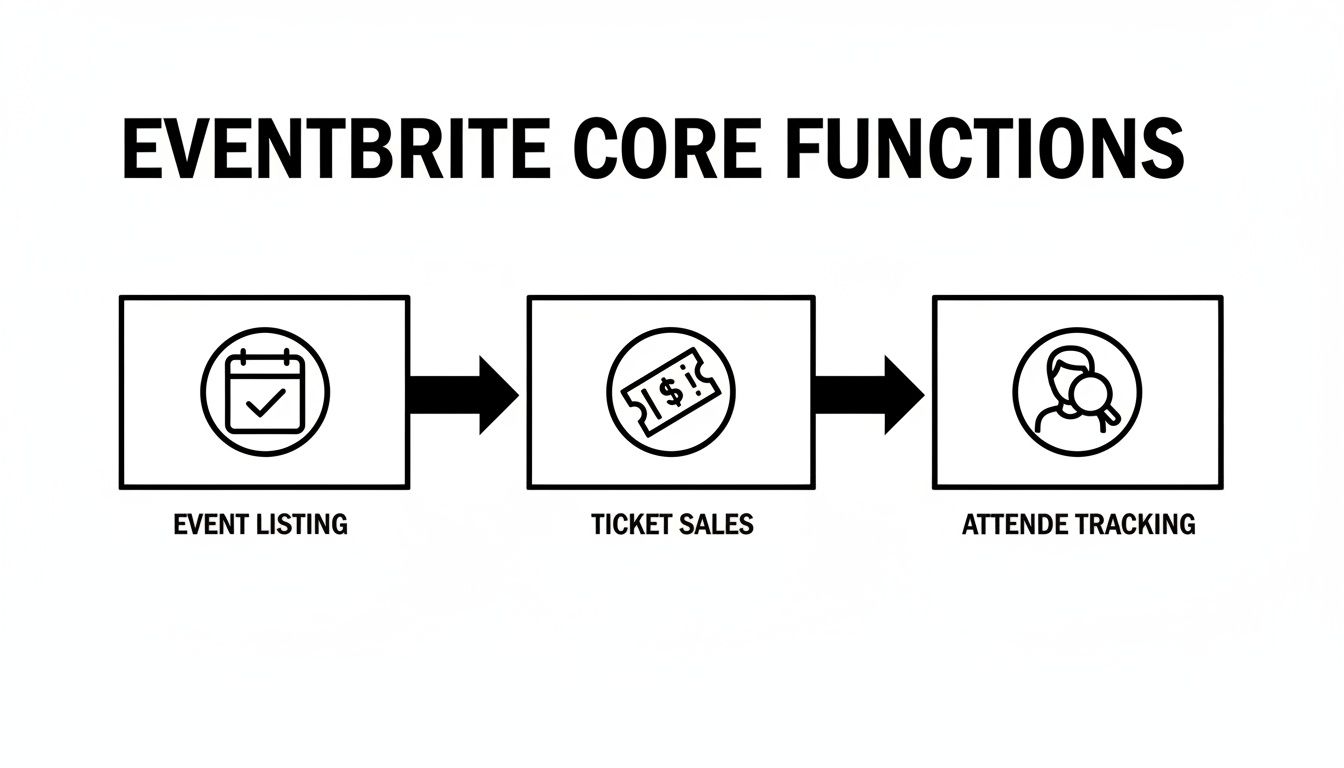
This diagram shows the all-in-one promise. But it’s that "ticket sales" step where percentage fees quietly eat your earnings.
The Problem with Percentage Fees
Percentage-based fees might seem small at first. They don't scale in your favor. As your event grows or your ticket price increases, so does Eventbrite’s cut. A $100 ticket for a pop-up dinner? You could be losing over $8 to fees. For small creators, that lost revenue could have been spent on better ingredients or just paying yourself.
Platforms like this move a staggering volume of tickets. In just one recent quarter, Eventbrite handled 72.0 million tickets across 1.4 million events. Their yearly ticket sales hit $3.28 billion. Their business model relies on taking a slice of every sale. That can feel punishing for the creators who make the platform valuable.
Translating the Pricing Plans
Eventbrite offers a few pricing tiers, usually called Flex and Pro. Here's what that actually means.
The core issue remains the same across all plans. Your success is tethered to their fees. The more you make, the more they take.
- Flex Plan: This is the standard, pay-as-you-go option. You get the basic tools, but you’re stuck with heavy Eventbrite branding and the full fee structure. It's built for one-off events.
- Pro Plan: This is a subscription model. You pay a monthly fee for more features, like detailed analytics. But your event page still looks like an Eventbrite page, and you still pay percentage fees on every ticket.
Let's put hard numbers to this. Here's how the math shakes out for a single $50 ticket across different plans, compared to a flat-fee model.
Eventbrite Fee Breakdown for a $50 Ticket
| Fee Component | Eventbrite Flex Plan | Eventbrite Pro Plan | A Flat-Fee Alternative (e.g., Ticketsmith) |
|---|---|---|---|
| Ticket Price | $50.00 | $50.00 | $50.00 |
| Service Fee | $3.64 (3.7% + $1.79) | $2.74 (3.5% + $0.99) | $1.00 (flat fee) |
| Payment Processing | $1.45 (2.9%) | $1.45 (2.9%) | ~$1.75 (standard Stripe/PayPal rate) |
| Total Fees Per Ticket | $5.09 | $4.19 | ~$2.75 |
| Your Payout | $44.91 | $45.81 | ~$47.25 |
Even on the "Pro" plan, you're still handing over a significant chunk of your revenue. This is different from flat-fee platforms that charge a simple, predictable cost per ticket, letting you keep the rest.
Many creators eventually look for reliable free event planning software to protect their bottom line.
What Eventbrite Does Well
Credit where it's due. Eventbrite got big for a reason. For all the chatter about fees and branding, it has two massive strengths: a huge built-in audience and a toolkit that just plain works.
If you're a solo creator, these features can feel like a superpower. You don't have to be a marketing guru or a web developer to sell tickets. You just need an idea.
Built-In Audience and Discovery
This is Eventbrite's killer feature. It's not just a ticketing platform; it’s a marketplace. People actively visit the website and app looking for things to do. This is a colossal advantage. Your first pottery class can get discovered by locals who have never heard of you.
Eventbrite's reach is enormous. They hit nearly 88 million average monthly active users in a recent quarter. That massive, engaged user base is a powerful marketing engine, helping you find new audiences organically. If you’re a pop-up chef, that built-in traffic can mean the difference between an empty room and a sold-out dinner. You can dig into their numbers more on Alpha Spread.
Think of it this way. Selling tickets on your own website is like setting up a shop on a quiet side street. You have to do all the work to get people there. Listing on Eventbrite is like getting a kiosk in the busiest mall in town. The foot traffic is already there.
A Dependable All-In-One Toolkit
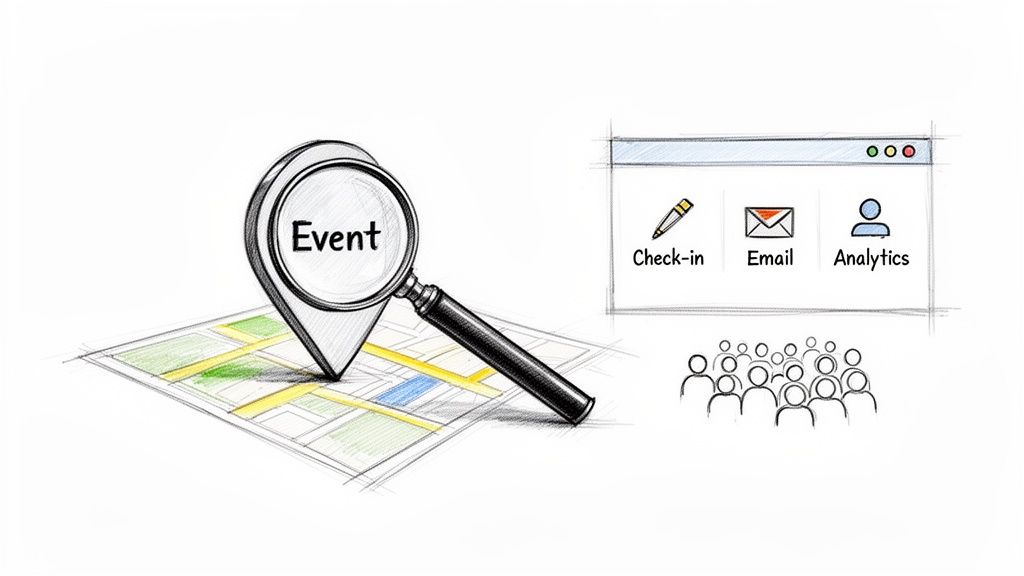
The other big win for Eventbrite is convenience. It bundles all the essential event management tools into one dashboard. This is a huge relief when you're a small creator juggling everything.
You get a suite of tools that covers the entire event lifecycle:
- Easy Event Page Setup: You can spin up an event page in minutes. No code. Just fill in the blanks.
- Secure Payment Processing: It handles all the credit card transactions securely. You don't need to mess with your own merchant account.
- The Organizer App: This is genuinely useful. The app lets you scan the QR code on attendees' tickets right from your phone. It’s fast and reliable.
- Basic Analytics and Reporting: You get a simple dashboard showing ticket sales and revenue. It gives you the vital signs for your event.
The platform is built to handle scale. It works for five people or five thousand. The core system is robust enough to manage it all without crashing.
This reliability gives organizers peace of mind. You can trust that payments will go through and tickets will be delivered. For anyone who has poured their heart into planning something, that stability is priceless.
Common Headaches for Small Creators
For all its strengths, Eventbrite isn't always the perfect partner. At some point, the initial convenience can start to feel like golden handcuffs. The very things that made it easy to start can become your biggest headaches.
It's not that the platform is bad. It’s just that its priorities might not line up with yours. When your event is a passion project—a fundraiser, a workshop, a pop-up dinner—every dollar and every relationship counts. This is where the friction begins.
The Slow Creep of Percentage Fees
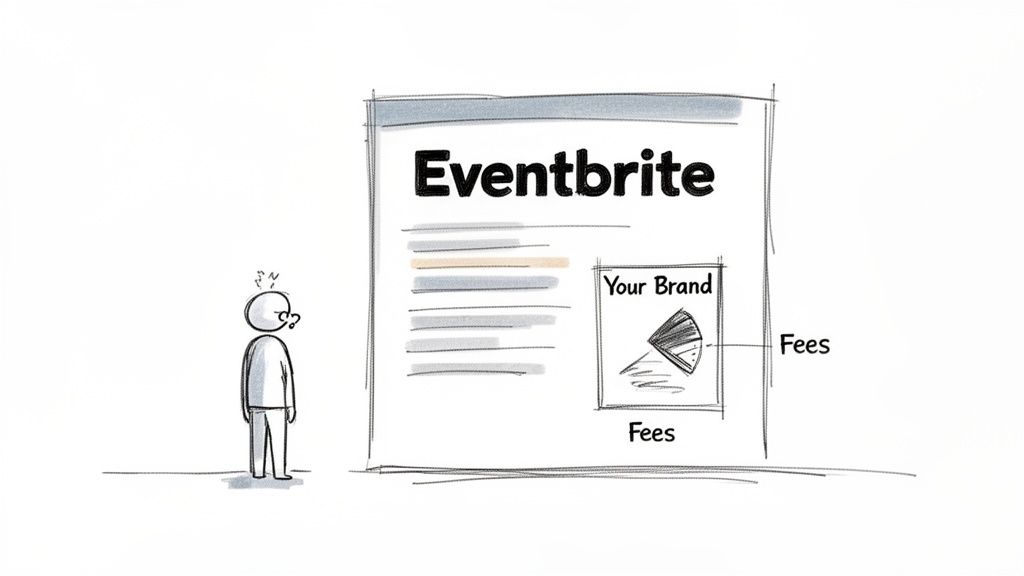
We touched on the fees earlier, but this is the number one complaint. That percentage skim off every ticket feels tiny at first. But as you sell more, it morphs into a significant expense.
Imagine you're hosting a charity bake sale. A five to eight percent cut of every cupcake sold goes straight to a massive tech company. That’s money that could have gone to your cause. The fee structure almost punishes growth. The more successful you are, the bigger their payday gets.
This is a world away from a simple, flat-fee model where you pay a predictable cost per ticket. With a flat fee, you know exactly what you’re paying. It's easy to budget and keep what you earned.
Your Brand Becomes Their Brand
This is the second major frustration. Your event page on Eventbrite will always look like an Eventbrite page. Sure, you can upload your logo. But the URL, the layout, and the "Powered by Eventbrite" messaging are non-negotiable.
This creates a few problems for creators trying to build something special:
- It dilutes your brand. You're building a unique identity for your art class, but your customers' first interaction is with a huge corporate brand, not yours.
- It can look temporary. An Eventbrite page often screams "I'm just starting out," even if you've been running events for years. It lacks the polish of a dedicated, branded checkout.
- You're just another listing. Your event is surrounded by dozens of others, all competing for attention. It’s tough to stand out.
The platform is designed to promote the Eventbrite brand first and your event second. For creators building a loyal community, that’s a serious roadblock.
Payout Delays and Cash Flow Crunches
Here’s a logistical nightmare many creators don't see coming. Eventbrite typically holds onto your ticket revenue until after your event is over. Payouts often start five days after your event wraps. The money might not land in your account for over a week.
Think about that. You need cash before the event to pay for the venue, supplies, and marketing. But your ticket sales are locked in Eventbrite’s account. This forces you to front all costs out of your own pocket. A system with fast, direct payouts changes the game.
Beyond platform issues, creators often grapple with their online reputation management. When your brand is tied to another platform's look, controlling your own narrative gets even harder.
These headaches are why many creators start looking for an alternative. They realize a platform built for everyone can sometimes feel like it's built for no one in particular.
Should You Look for an Eventbrite Alternative?
If you’ve been nodding along with the common headaches—the fees, the branding, the payout delays—then this section is for you. It’s not about ditching Eventbrite just because. It's about figuring out if a different tool might serve your passion project better.
Eventbrite was built for a massive, general audience. Sometimes, a tool made for everyone feels like it was made for no one in particular. This is especially true when your event is your art, your community, your craft.
The decision to switch usually comes down to two things: money and identity. Are you keeping enough of what you earn? And does your event feel like yours?
A Quick Sanity Check
Ask yourself these simple questions.
- How much am I really paying in fees? Go look at your last event’s payout report. Calculate the total percentage you lost. If that number makes you wince, it’s a red flag.
- Is building my own brand a priority? When people buy tickets, do you want them to remember your name or Eventbrite’s? If you're playing the long game, brand ownership matters.
- Do I need my ticket money before the event? Waiting up to a week after your event for your money can be a serious cash flow killer.
- Does my ticketing page reflect my event's quality? You pour your heart into creating a premium experience. Does a generic ticketing page match that effort?
Answering these honestly can be a real eye-opener. The pain points you thought were just "the cost of doing business" are often symptoms of a platform that isn't the right fit.
The Rise of Creator-First Platforms
This is where a different kind of tool comes in. Platforms built specifically for creators, workshop hosts, and independent organizers operate on a different philosophy. Instead of taking a percentage of your success, they offer a simpler deal.
Enter the flat-fee model. Instead of a confusing mix of percentages, you pay a small, predictable fee per ticket, maybe something like $1.00. That’s it. Whether your ticket is $25 or $250, the fee stays the same. You keep the rest.
This model changes the dynamic. The platform’s success isn't tied to taking a bigger slice of your pie. For small creators pouring their heart into an event, this is a big deal.
Creator-first platforms prioritize what you actually need:
- Simple, flat-fee pricing: No hidden skims. No percentage cuts.
- Custom branding: Your page, your logo, your colors. It looks like yours.
- Fast, secure payouts: Money goes straight to your account, often instantly.
- Setup in minutes: No code, no chaos. Just a simple interface.
If you're also finding Eventbrite's registration a bit rigid, a dedicated free form app could give you more control over how you gather attendee info.
A Checklist for Switching from Eventbrite
Feeling torn? Use this quick checklist to see where you land.
| Consider This If... | Eventbrite Might Be Fine | A Simpler Alternative Is Better |
|---|---|---|
| Fees are a concern | You run free events or have very low ticket prices. | High ticket prices mean you're losing a big chunk of revenue to fees. |
| Branding is a priority | You don't mind the Eventbrite branding. | You want a white-label experience that puts your brand front and center. |
| Cash flow is tight | You can afford to wait until after your event for your revenue. | You need ticket money upfront to cover deposits and other expenses. |
| You need simplicity | You're comfortable navigating Eventbrite's dashboard. | You want a clean, straightforward platform to set up and sell in minutes. |
This isn't about one platform being "bad" and another being "good." It's about alignment. If you found yourself nodding more with the right-hand column, it's probably time to look around.
The Logistics of Making a Move
Switching platforms sounds daunting, but it's simpler than you think. You’re not starting from scratch. You already have an audience that knows and trusts you.
Making the change involves a few steps:
- Export Your Data: Get your attendee lists out of Eventbrite. This is your customer list. It's incredibly valuable.
- Set Up Your New Home: Choose a new platform and set up your branded ticketing page. With most modern tools, this takes less than an hour.
- Tell Your People: This is the most important part. Send an email to past attendees. Announce the change on social media. Be honest about why you're moving.
A simple message works best: "Hey everyone! To keep ticket prices fair and create a better experience, we're moving our ticketing to a new platform. You can now get tickets from our new page. Thanks for your support!"
People appreciate transparency. For a deeper look into your options, check out my guide on the best alternatives to Eventbrite.
The right tool should feel like a partner, not a tollbooth.
Frequently Asked Questions About Eventbrite
Still have a few questions? Let's clear them up with some quick, straight answers.
Is Eventbrite Free to Use for Organizers?
Nope, not if you're selling tickets. You can list a free event without paying a fee. For anything paid, Eventbrite takes a piece of every single ticket.
This isn't just one fee. It comes as two separate charges: a service fee and a payment processing fee. They’re automatically skimmed off your revenue.
Can I Get My Money from Eventbrite Immediately?
Typically, no. Eventbrite usually holds onto your funds until after your event is over, sending a payout a few days later.
If you're a pop-up chef who needs to buy ingredients, this delay can create a serious cash flow nightmare. You're forced to front all the costs yourself.
Can I Customize My Eventbrite Page to Match My Brand?
Only to a point. You can upload your logo and a few images. But the page will always be wrapped in heavy Eventbrite branding. The URL, the layout, the checkout flow—it all screams "Eventbrite," not you.
This makes it tough to build a distinct brand. It's a key reason why many creators search for the best ticketing platform for events that offers true branding control.
What's the Main Reason Creators Leave Eventbrite?
It almost always comes down to two things: the unpredictable, percentage-based fees and the lack of branding control.
As an event grows, those seemingly small percentages turn into a huge expense. Eventually, creators get tired of it. They switch to flat-fee platforms to keep more of their hard-earned revenue and give attendees a better experience.
Tired of giving away your revenue and losing your brand identity? Ticketsmith was built for real people pouring their heart into events. Get a beautiful, branded event page up in minutes with a simple flat fee per ticket and fast payouts. No hidden skims, no corporate branding—just your event, your way. Join the waitlist for Ticketsmith today and get ticketing that finally puts you first.