 Will Townsend
Ticketing & Sales
Ticketing works best when neither you nor the buyer has to think about it very much. The price is clear, the page looks like the event they intended to buy, and the money arrives in time to pay the bills attached to it.
Problems begin when fees appear at the final click or the payout arrives after the venue deposit is due. Checkout is part of the event, and people notice when the page feels unrelated or the price changes while they are trying to pay. On a $25 ticket, a 7% platform fee is $1.75—enough to cover the coffee, parking, or part of the buffer you thought you had.
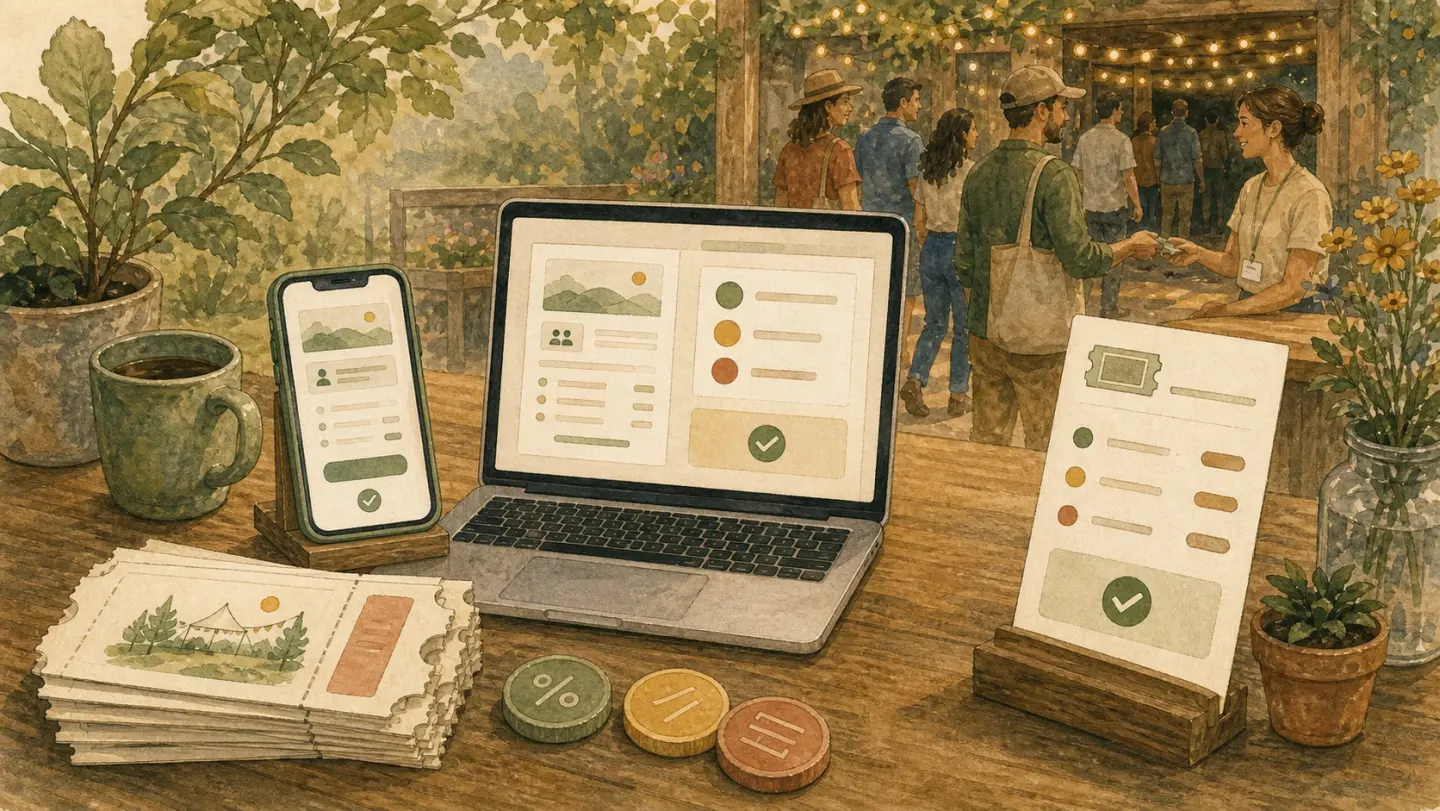
Clear pricing and a short checkout leave the buyer thinking about the event rather than the ticketing platform.
Pricing That Works
Start with the floor: hard costs, payment fees, likely refunds, tax obligations, and the time you want paid for. Divide that by the number of seats you can realistically sell—not the legal maximum squeezed against the wall.
Then look at comparable events nearby and ask what the outcome is worth to the buyer. Suppose the cash costs are $200, the work is worth $300 to you, and you expect to sell 16 of 20 seats. Before fees and tax, the floor is $500 ÷ 16 = $31.25, which makes a $35 ticket tight while a $45 ticket leaves some room. That is a more useful comparison than shaving one dollar off the class down the road.
Compare the Whole Fee
“Flat fee” can mean flat per ticket, not flat for the whole event. The bill still grows as tickets sell. What matters is whether you can calculate the platform fee, card processing, taxes, refunds, and buyer-facing charges before sales open.
Illustrative platform-fee math: 20 tickets at $25 each
- 7% + $1 per ticket:
20 × (25×0.07 + 1) = $55. - 99c per paid ticket:
20 × 0.99 = $19.80.
That is $35.20 less in platform fees in this example. Card processing still applies to both sides and varies by provider, country, card, and currency. Ticketsmith is capped at 99c per paid ticket during launch; Stripe processing is separate. Run the complete calculation at your own ticket price and volume before signing anything.

The useful fee is the one you can calculate before the buyer reaches for a card.
Smart Tiers & Discounts
-
Start with one ticket. Add Early Bird or Supporter only when the difference has a job: an honest deadline, an included extra, or a way for one buyer to subsidize another.
-
Discounts: Use them for partners, alumni, or last‑minute fill. Cap usage so you don’t accidentally erase your margin.
-
Waitlist: When you sell out, collect interest and auto‑offer released seats so a cancellation does not leave the chair empty.
Checkout: Fewer Questions, Fewer Surprises
-
Ask for name, email, and payment unless the event genuinely needs more. Dietary and accessibility questions may matter; company size and fax number probably do not. A fax field is practically a dare to leave.
-
Run it on your phone before you share it. Buy a test ticket with one thumb. If you have to pinch, scroll sideways, or type the same thing twice, fix it.
-
Put the refund rule beside the button. “Full refund up to 48 hours before” may be a workable policy where local rules permit it, and buyers should not need a PDF or policy maze to find it.
-
Use copy that answers the next question. “Bringing a friend? Add one more seat.” Helpful beats cute.
-
End with clear confirmation. A confirmation page, calendar button, and receipt email should leave no doubt that the purchase worked.
-
Turn on Apple Pay and Google Pay when available. Less typing on a phone is usually worth having.
Use UTM links if you will check them. Add advertising pixels only when they serve a real campaign, and put buyers on your email list only with consent.
Payouts & Cash Flow
Payout timing determines whether you can pay the venue balance on Friday, buy the clay, or cover the train home without floating the event on your personal card. Read the actual schedule before opening sales. With Ticketsmith, payments and payouts run through Stripe, so timing follows the schedule on your Stripe account.
Refunds, Transfers, and No‑Shows
-
Post a plain‑English policy: refund window, transfer rules, day‑of expectations. Put it on the checkout page, not buried in a PDF.
-
Be kind inside a policy you can honour. Transfers or future credit may help both sides, but local consumer rules and the event circumstances come first.
-
No‑shows happen. A waitlist helps you backfill the seat instead of eating the cost.
Fraud & Oversell Guardrails
-
Use the payment provider's fraud tools for unusual high-value or repeated orders. A group booking can look odd without being fraudulent; do not improvise a verdict from an IP address.
-
Cap per‑order quantity if your events are small. No one needs 20 tickets to your 30‑person workshop.
-
For chargebacks, follow the processor's deadline and evidence workflow. Save the receipt, event terms, attendee communications, and proof that the ticket was used when available.
Data & Integrations
-
Track sources with UTM parameters when you intend to use the result, which is usually enough to learn what is working without turning the event into a data project.
-
Export attendee CSVs and tag them by event in your email tool, then wait until a missing integration causes a real problem before adding more machinery.
-
If you are running ads, verify conversions and use the result to improve the event or campaign rather than the spreadsheet itself.
Start With a Basic Checkout
Let one basic checkout sell real seats before adding waitlists, advertising pixels, or several ticket tiers.
Before the link goes public:
- [ ] Price leaves margin after fees
- [ ] One ticket type, or no tiers at all
- [ ] Checkout asks only for name, email, and payment
- [ ] Refund/transfer rule sits on the checkout page
- [ ] Payout timing confirmed before the venue balance is due
- [ ] UTM links and export set up only if you will use them
Add only when you feel the pain:
- Early‑bird, general, supporter tiers
- Automated waitlist
- Partner discount codes
- Deeper checkout branding
- Post‑event survey
For Ops Captains: Practice the QR scan, name search, and manual override where check-in will actually happen. If the door is outside, test it there; glare, cracked screens, dead batteries, and weak data have a habit of arriving together. Name search is the plain backup you will be glad to have.
Common Pitfalls
- Racing to variable pricing before you can nail flat pricing.
- Hiding fees until the last step. Buyers hate watching the price change while they are trying to pay.
- Collecting more data than you need. Each unnecessary field gives the buyer another reason to stop and creates more personal information for you to protect.
Once the first link has sold real seats, stop rearranging checkout and prepare the door with Execution & Operations.
Join the waitlist
Be the first to know when Ticketsmith launches.
Written by
Will Townsend
Founder, Ticketsmith
Writes practical guides on event ticketing, pricing, and promotion for independent organizers.